// I got fed up, so I built my own
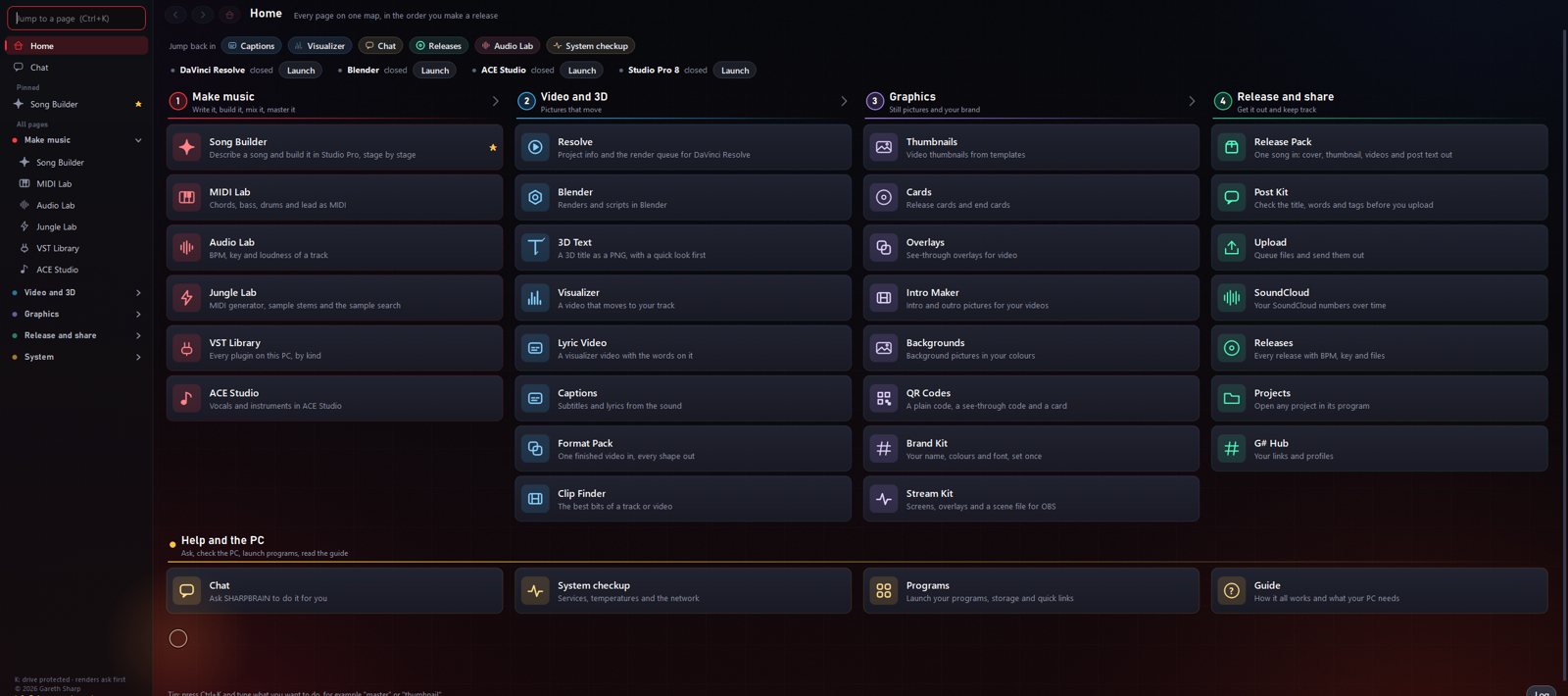
SHARPBRAIN. One window. Everything.
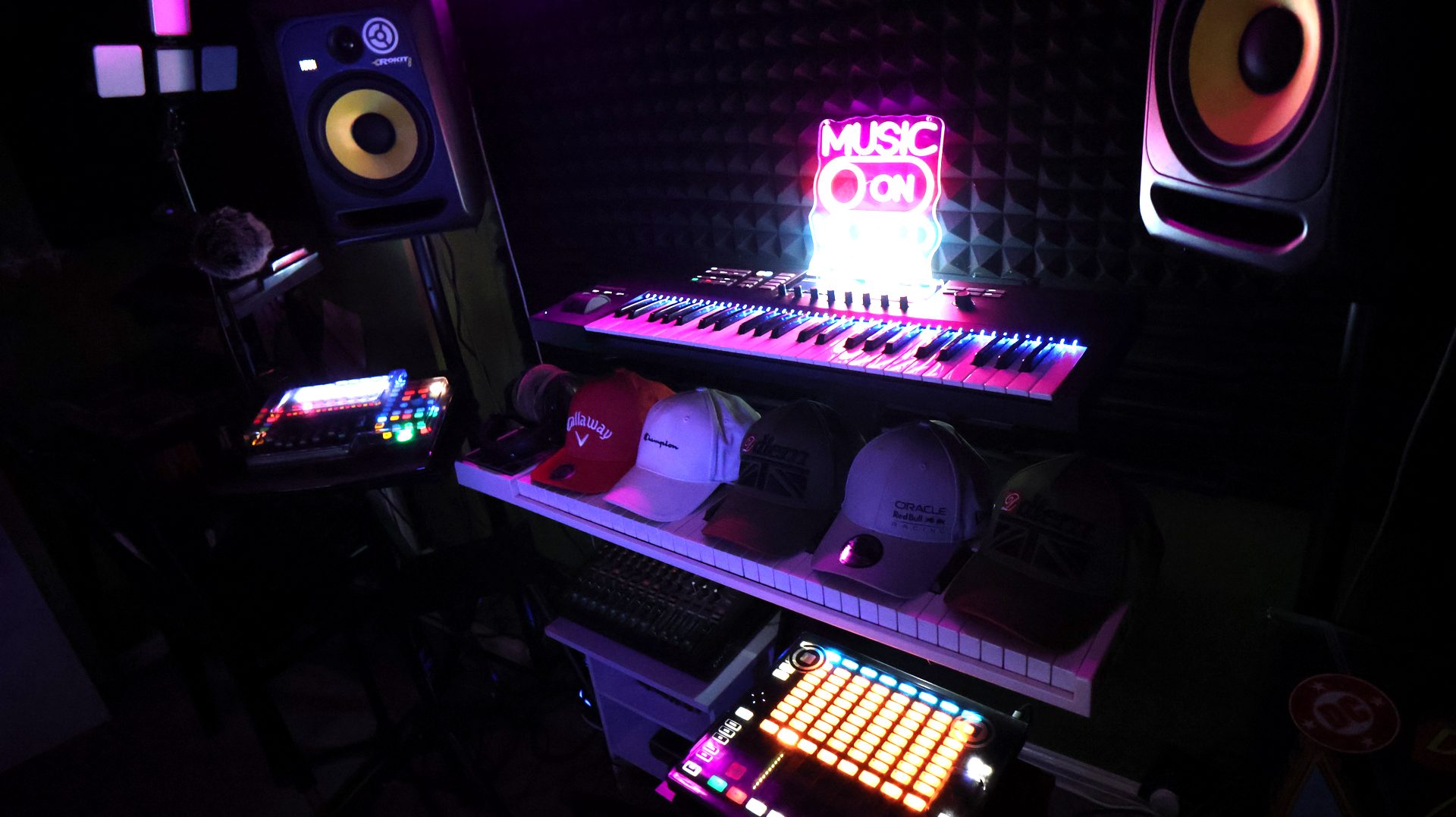
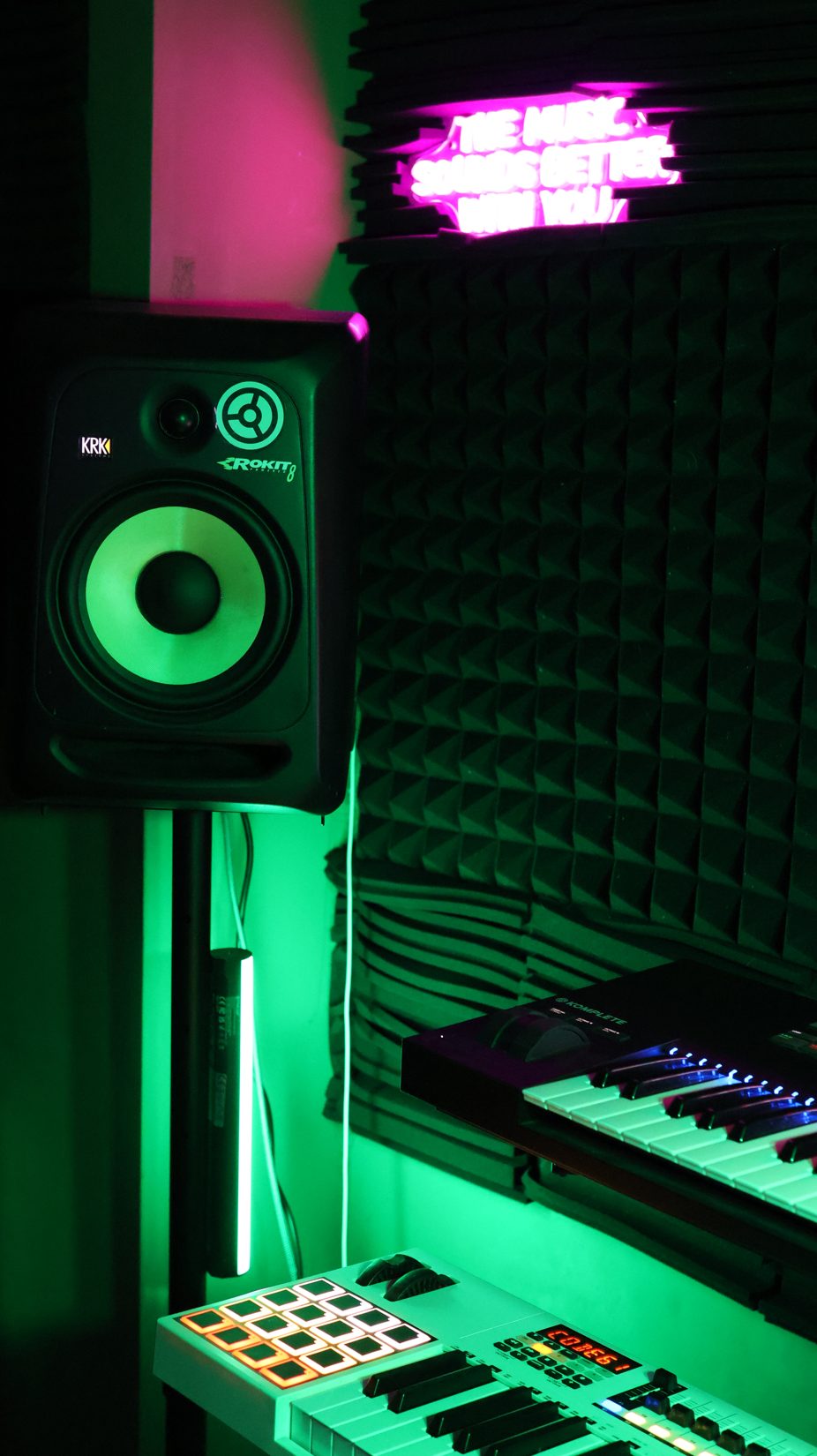
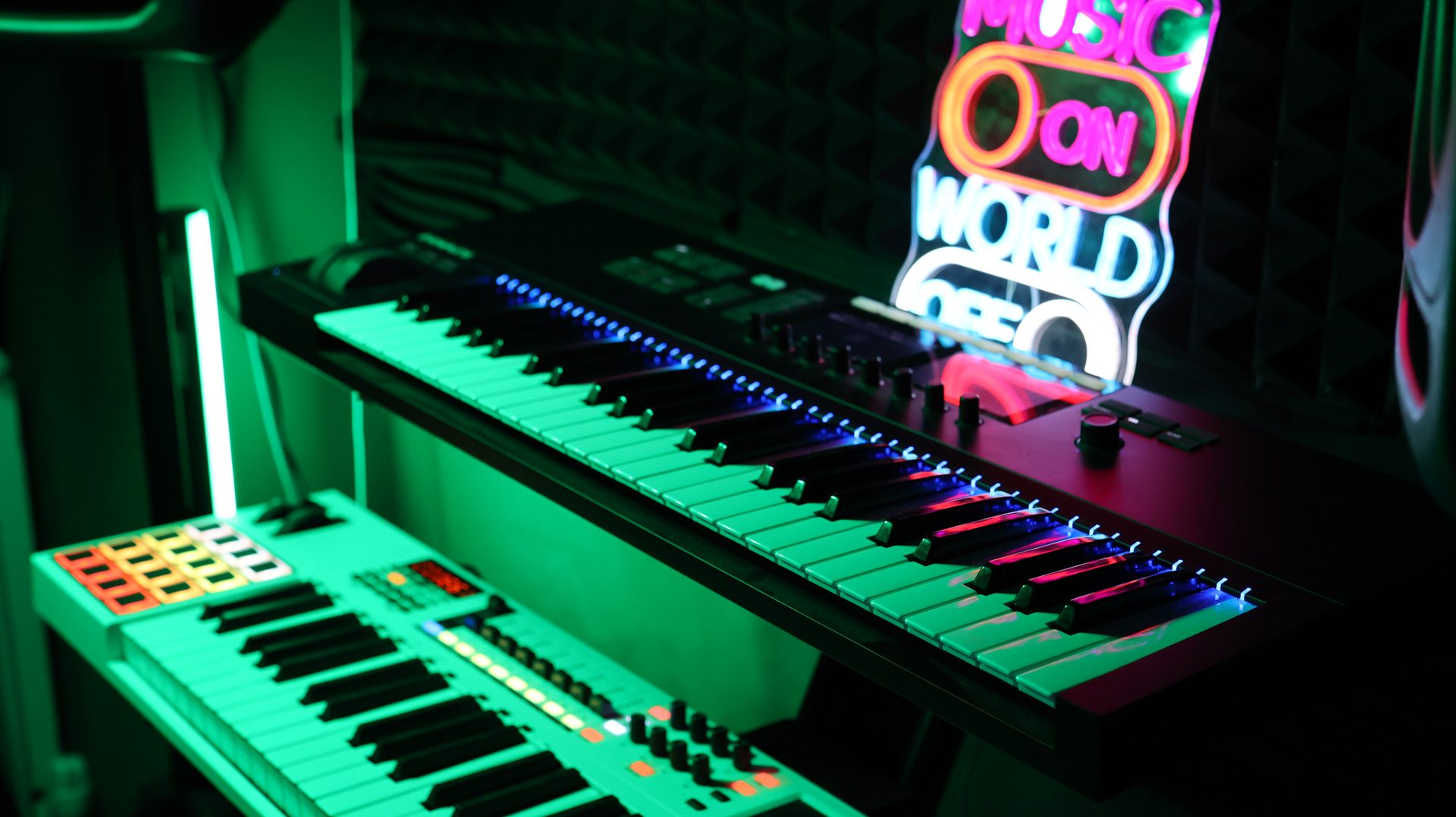
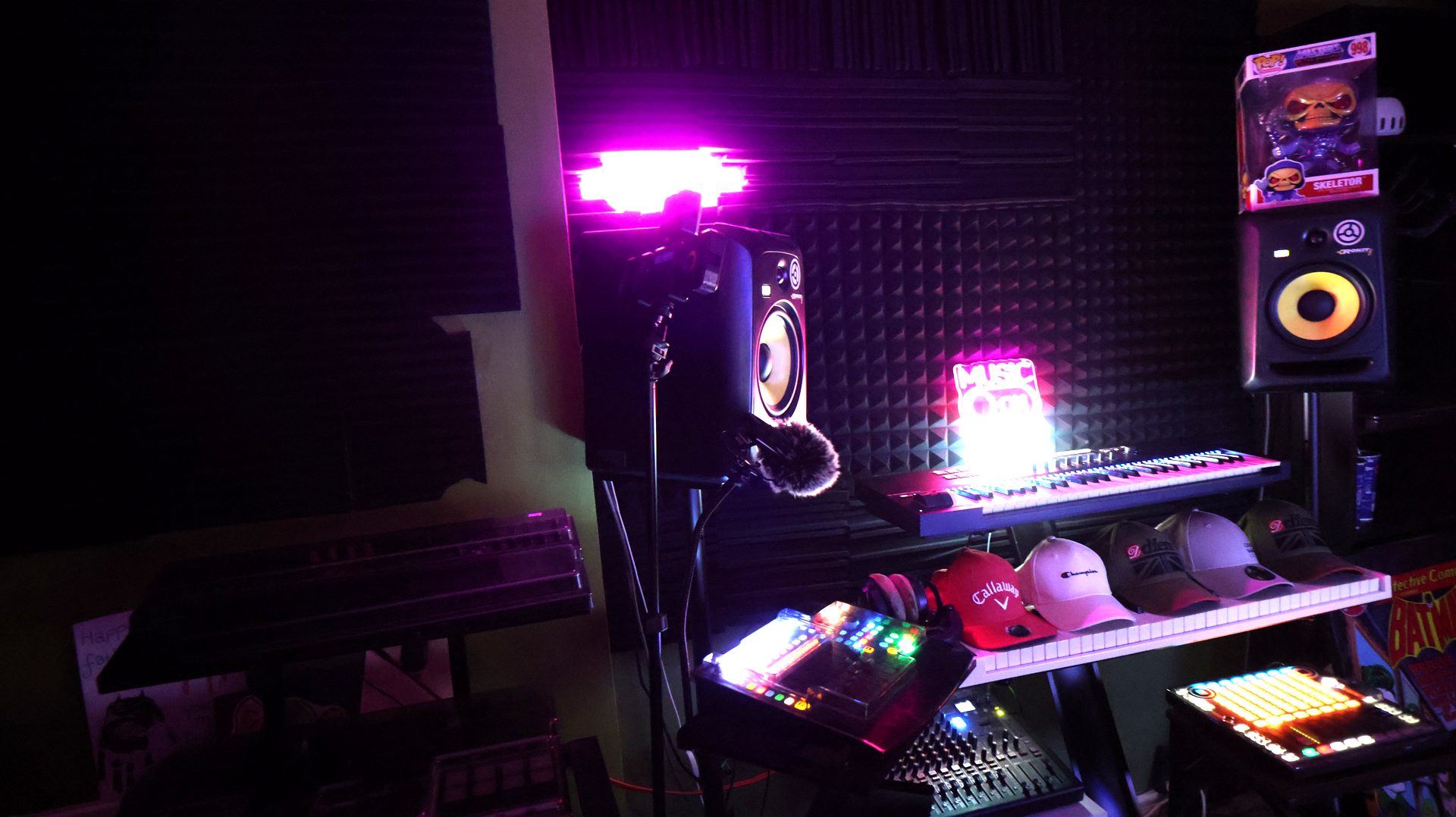
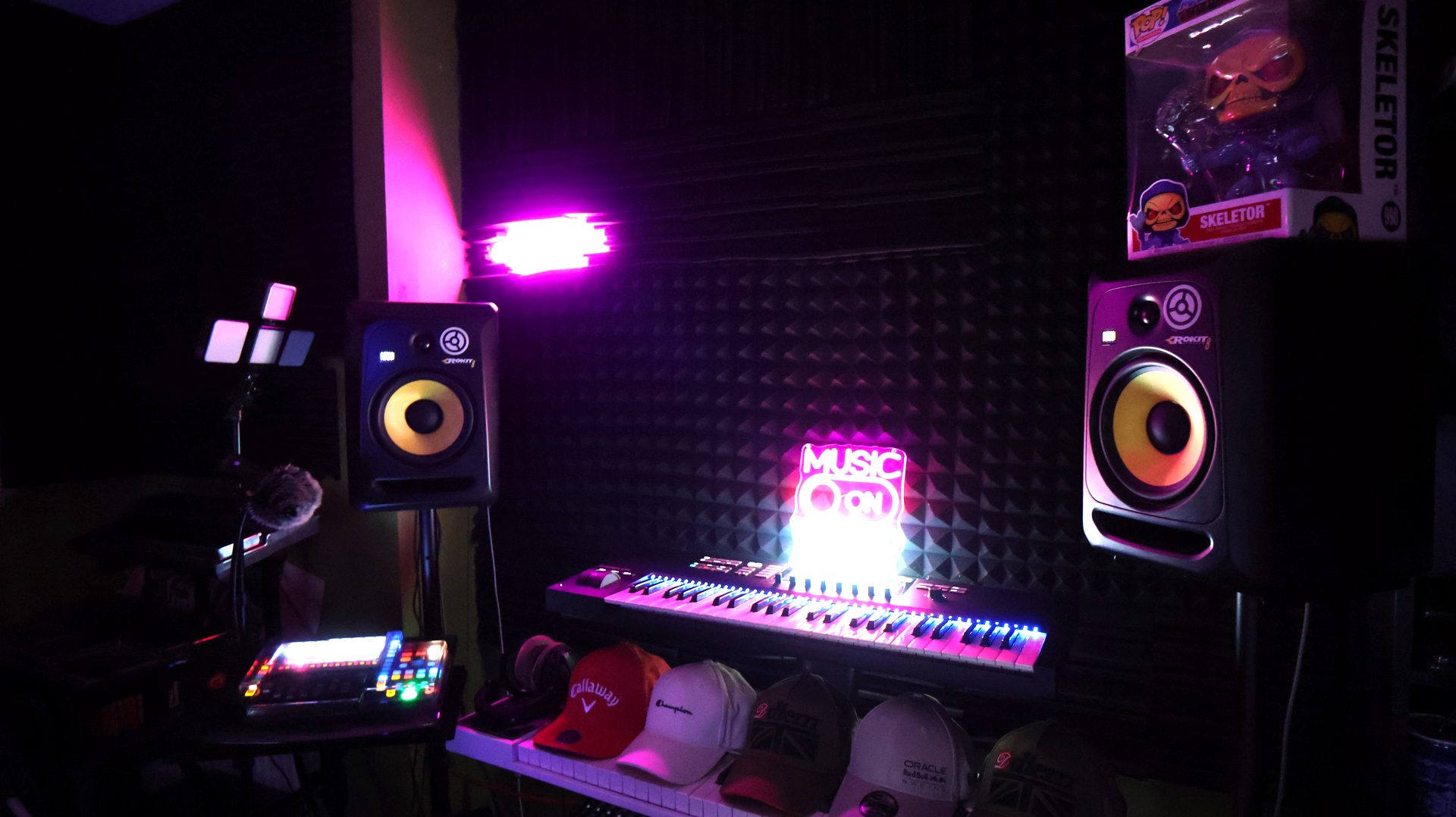
I make the music, the footage and the edits myself, and I was sick of juggling a dozen programs. So I built the tool I wished I had when I started. It runs on your own computer, and it was built in the room you can see on the right.

// free, for Windows
SHARPBRAIN Free 3.5
The free edition is out. It has the beat maker, lessons, a playground, the learn pages and a full guide, and it needs no AI and no account. It speaks English, Dutch, Spanish, French, German, Polish and Portuguese: change the language from inside the program.
One file: SHARPBRAIN-Free-3.5-Setup.exe. Windows 10 or 11, 64-bit. Python and everything else is inside it, so there is nothing else to install.
Windows may say it does not recognise the file because I have not paid for a publisher certificate. Click More info, then Run anyway. If you would rather not, that is fine.
Provided as is, without warranty. You use it at your own risk and I accept no liability. Full terms are shown in the installer.
// the useful bit
What the brain does
Song builder
Builds a track from a MIDI library of chord groups, keys and styles. Music maths, not AI generation. You stay in charge of every note.
Visualizers and overlays
Music visualizers with shape, colour, texture and reactive options, plus overlays, cards and QR codes.
Thumbnails and text
Thumbnail and card makers with a big choice of fonts, and a preview before you make anything.
Your projects
Project launcher, release tracker and upload page. No more hunting through folders.
Optional AI helper
Link it to a local model on your own machine, or to Claude Code, if you want a chat helper. Everything else works with no AI at all.
Light on your PC
Built to run on a modest machine, with a clear map so nothing is buried.
// why it exists
The program I wish I had at the start
I am autistic and self-taught. I started making music in the mid-90s on FastTracker 2 and worked everything out the hard way. SHARPBRAIN starts easy, gets deeper as you do, and has an Easy, Intermediate and Advanced switch that reshapes every page. Easy is meant to be simple enough for a kid or your nan.
// fresh out of the oven
What's new
The latest things the full versions can do. This is what the testers get. It grows most weeks, so check back.
Mini Studio
An 8-track MIDI studio laid out like Studio One, with built-in sounds and MIDI out, plus an audio editor that cleans noise and hum.
Vocal extraction
Pull the vocals out of a track. It is an optional download, so the installer shows the size and only fetches it if you tick the box.
Song Builder in Studio One
Build a track from a prompt, master it, and measure the sound so changes come from numbers, not guesses.
Movie Studio
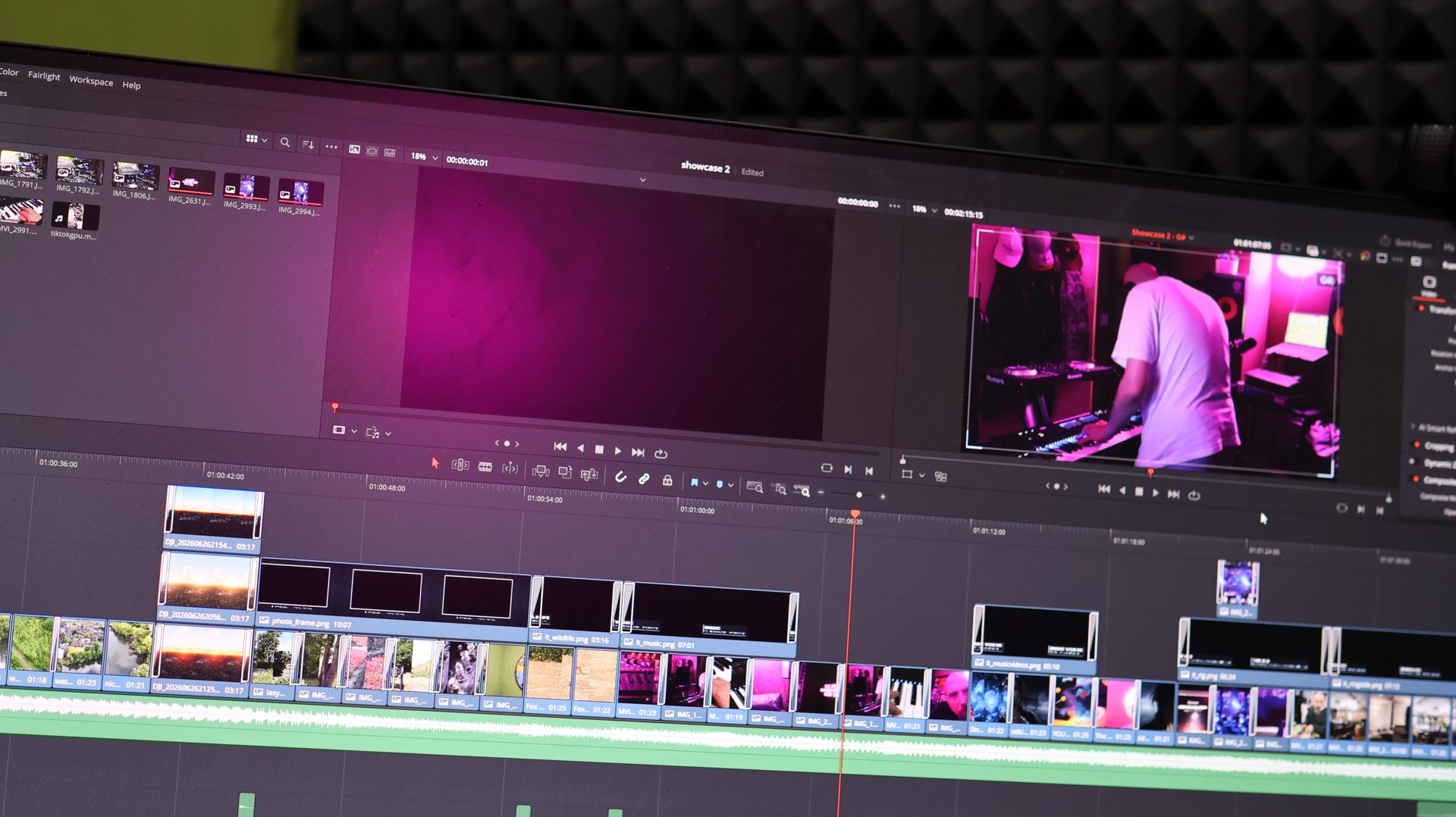
Pictures, video, music, visualizers, 3D text and overlays turned into a finished video. Beat-synced cuts, all three sizes at once, a QR and links end card, and a title card with the song name.
Photo mode
Turn a pile of photos into a finished video, with zooms and titles, without opening an editor.
Visualizer maker
Pick the number of bars, colour, texture, a picture and a title, and how reactive it is. Render it through Blender or Resolve.
Make-it makers
Thumbnails, cards, overlays, a Blender text maker with lots of fonts and textures, and an OBS overlay.
Talk to it
Push-to-talk, an optional “Hey SHARPBRAIN” wake word, and spoken replies in a choice of voices.
Guided tour
A first-run tour of the start screen, then gentle nudges after your first movie, beat or photo project.
PC health
CPU, GPU, RAM and drive meters with temperatures, plus a network speed test and a ping test.
Purple makeover
New purple theme, hover tips on everything, a help mode, and layouts that fit any window size.
Four editions
Claude, Local, No-AI and the Free one, so you pick how much AI you want. Or none.
// work in progress, mind the cables
What I'm building now
This is the honest to-do list. Some of it lands soon, and some of it will change on the way. That is what happens when it is one bloke and a lot of tea.
A proper link with Studio One
Send MIDI from SHARPBRAIN straight into Studio One, and bring MIDI back the other way. The bridge between them has to get a lot better first, so that is where the effort is going.
Blender, ACE Studio, Resolve and Studio One together
The aim is one program that can drive all four, so a track and its video come out of the same place.
Just ask for the sound
Talk to SHARPBRAIN, or type, and ask for a plugin with a specific preset. It picks the VST and loads the preset in Studio One for you. No more scrolling through menus.
Ready-made FX chains
Effect chains ready to go for whatever you are working on, built from the plugins on your own PC. Each one comes with a short note on why every effect is there and what it does, so it teaches as well as helps.
Mixer levels and automation
Set mixer levels and write automation on the mixer and on plugin controls, from the same place. Ask for a filter sweep or a fade and it draws it in.
My own voice
I am recording SHARPBRAIN’s set lines myself, so when you talk to it, the replies you hear for the main prompts are properly me.
Videos of it working
Short videos of the Studio One side in action, coming in the next few days.
SHARPBRAIN Free 4
The next free build is made and waiting. It will appear here when I publish it.
Phone or web version
It is Windows only for now. A phone or web version might come later if people want one.
// a walk through the program
See it in action
// where it all gets built
The studio
Sound-proofing foam, a lot of neon, and more screens than is probably sensible. Click any photo to see it bigger.
// brave ones preferred
Full version testers wanted
I am looking for a few people to test SHARPBRAIN. Email me, tell me why you would like to test it and what you would use it for, and I will send you a build.
info@sharpysmusic.co.uk